
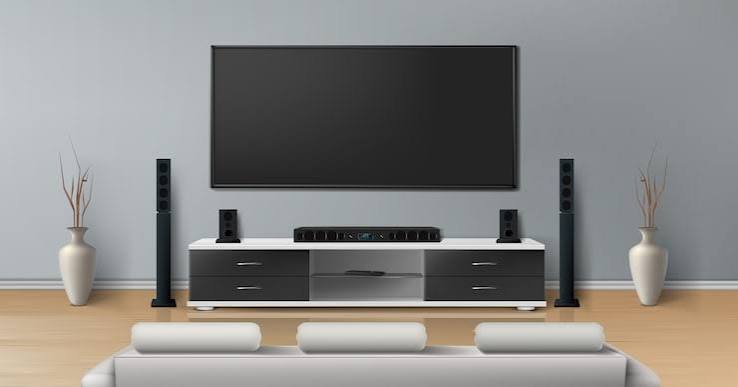
Setting up a TV at home often involves more than plugging in the television. If you have a soundbar, streaming device or other entertainment equipment, everything needs to be connected correctly for the system to work smoothly.
Whether you’ve purchased a new TV or are updating your existing entertainment setup, knowing how the devices connect can make the process much easier. Jason’s TV can also help with professional TV and entertainment equipment setup in Shepparton.
Start With Your TV
Before connecting anything else, place your TV where you want it and make sure it has access to power.
Check the available HDMI ports on the television. HDMI is commonly used to connect soundbars, streaming devices and other equipment. If your TV has several HDMI inputs, take note of which one you use for each device.
If you’re wall mounting the TV, it’s also worth planning the cable connections before the television is fixed into position.
Connect Your Soundbar
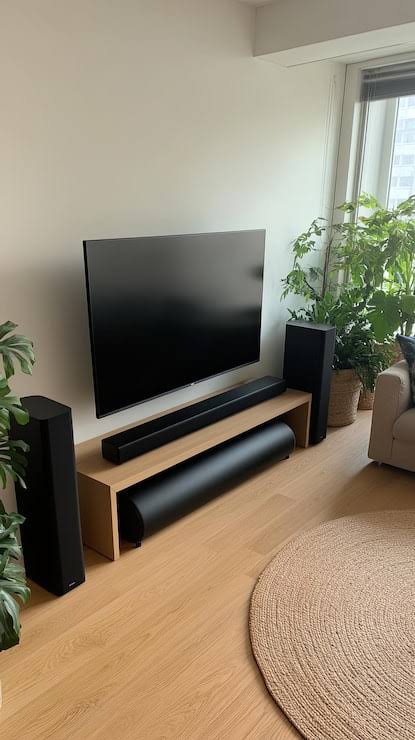
A soundbar can provide better audio without needing a large speaker system. Depending on the equipment, you may connect it to the TV using HDMI ARC/eARC, optical audio or another supported connection.
After connecting the soundbar, change the TV’s audio output settings if necessary. Test the volume and make sure the TV sound is coming through the soundbar rather than the built-in speakers.
For customers needing Home Theatre Setup Shepparton, getting the TV and audio equipment connected correctly is an important part of the overall setup.
Add Your Streaming Device
Streaming devices can give you access to services and apps that may not already be available on your TV.
Connect the streaming device to an available HDMI input and connect its power supply. Once the TV recognises the device, select the correct HDMI source using your TV remote.
You’ll normally then need to connect the device to your home WiFi and follow the on-screen instructions to finish the setup.
Check Your Smart TV Connection
Many modern televisions already include built-in streaming apps, which means you may not need a separate streaming device.
A reliable internet connection is important for streaming. If your Smart TV struggles to stay connected, checking your home network may be necessary.
Smart TV Installation Shepparton can include helping connect your TV to the appropriate equipment and making sure the basic setup is ready for use.
Keep Your Connections Organised
Once everything is connected, take a few minutes to organise the cables. Labeling HDMI cables can be useful when several devices are connected, especially if you have a TV, soundbar and streaming equipment.
Keeping cables organised also makes it easier to identify a connection if something stops working later.
Test Every Device
Don’t assume everything is working just because the TV switches on. Test each part of the setup separately.
Check that:
- The TV displays a clear picture
- The soundbar produces audio
- The streaming device appears on the correct HDMI input
- WiFi-connected devices can access the internet
- The remote controls the required functions
If you’re looking for TV and Home Theatre Setup Shepparton, professional assistance can be useful when several devices need to work together.
When Professional Setup Makes Sense
Simple TV connections can often be completed at home, but larger entertainment systems may involve several cables, different devices and multiple settings.
If you’re unsure which connection to use or can’t get the sound, picture or streaming device working correctly, professional setup can save time and avoid unnecessary trial and error.
Jason’s TV provides TV, Smart TV and home entertainment setup services for customers in Shepparton. The goal is to get your equipment connected properly and ready for everyday use.
Frequently Asked Questions
Q1. Can I connect a soundbar directly to my TV?
A. Yes. Depending on the models, you can usually use HDMI ARC/eARC, optical or another supported audio connection.
Q2. Do streaming devices need WiFi?
A. Most streaming devices need an internet connection to access online streaming services.
Q3. Why is there no sound from my soundbar?
A. Check the cable connection and make sure the TV’s audio output is set to the soundbar.
Q4. Can Jason’s TV help connect multiple entertainment devices?
A. Yes. Jason’s TV can assist with TV and home entertainment equipment setup and connections.