
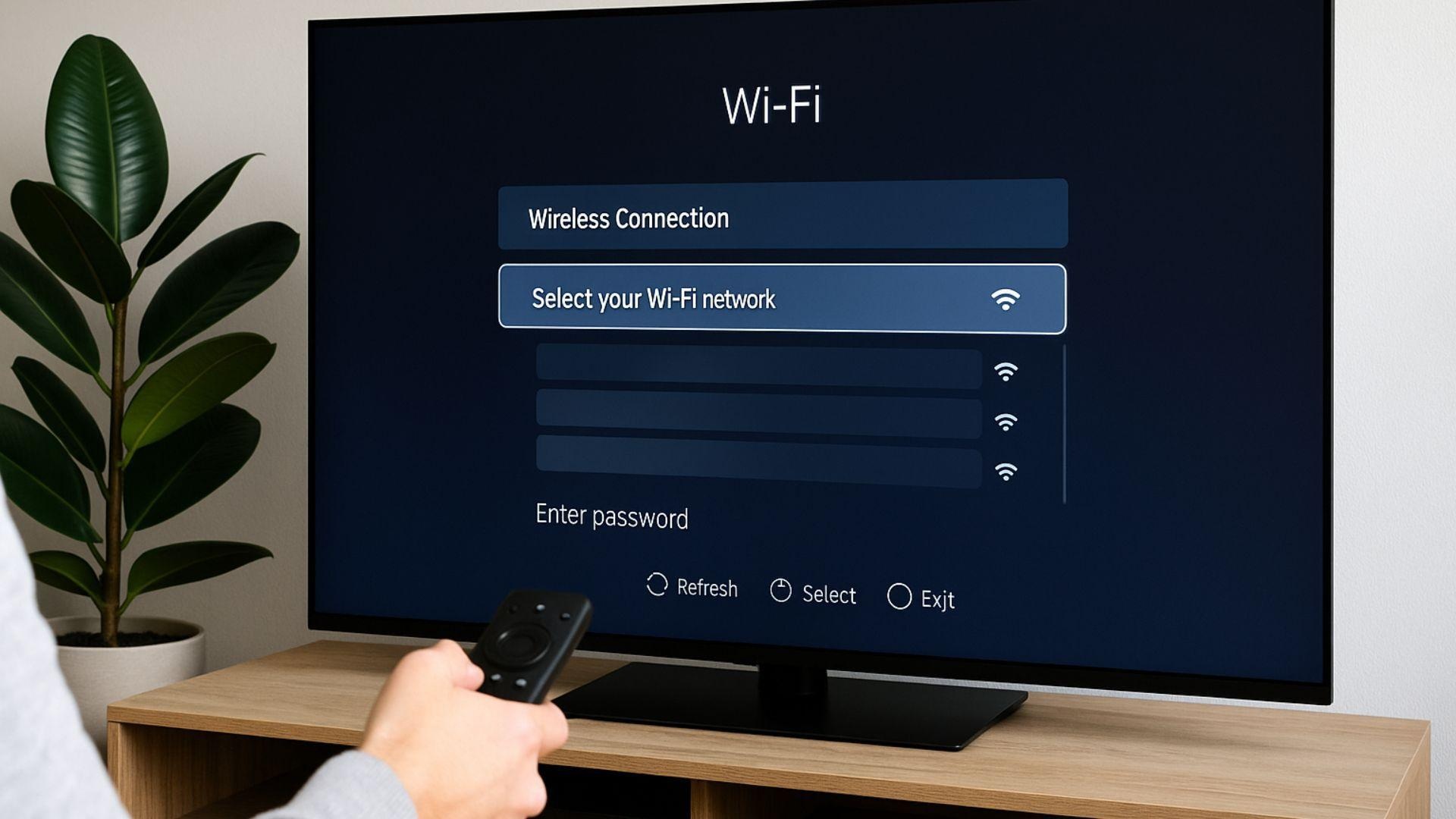
Connecting a Smart TV to Wi-Fi without an Ethernet cable is usually straightforward because most modern televisions have built-in wireless networking. You can connect through the TV’s settings menu by selecting your home Wi-Fi network and entering its password. If the television cannot find the network or keeps disconnecting, the cause may be weak signal coverage, router settings, an incorrect password or outdated TV software. This guide explains how to connect your TV wirelessly, troubleshoot common problems and improve your home network. For households needing Smart TV Set Up Congupna or Home WiFi Setup and Repair Congupna, local help is available.
Can You Connect a TV to Wi-Fi Without an Ethernet Cable?
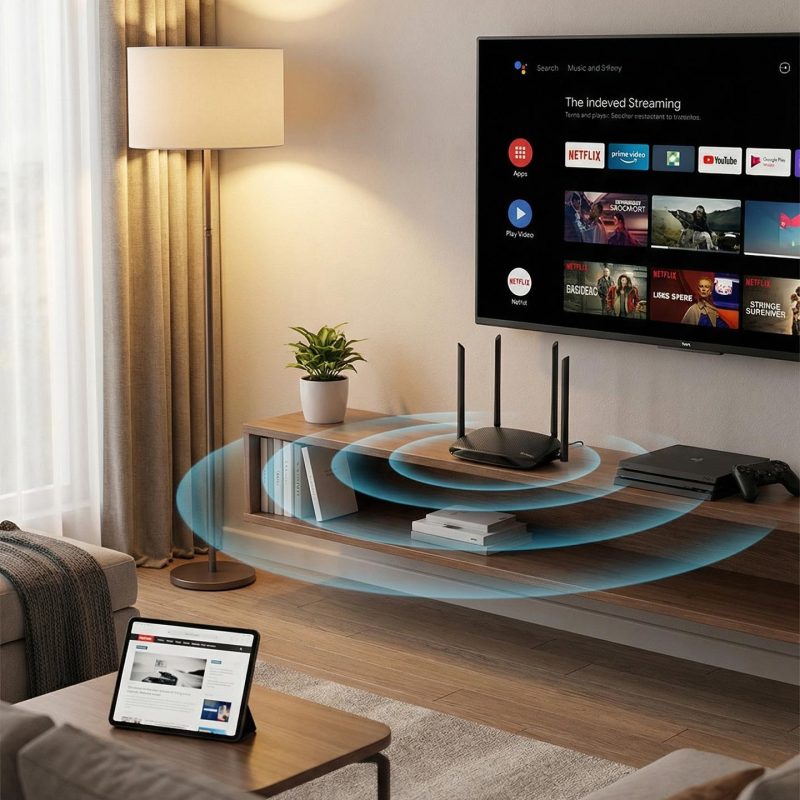
Yes. Most modern Smart TVs have built-in Wi-Fi, allowing them to connect to your home internet wirelessly. You do not need to run an Ethernet cable from your router to the television.
A wireless connection lets you use streaming services, catch-up TV applications, YouTube and other online features without a physical network cable.
The exact steps depend on your television brand and model, but the process is generally similar across Samsung, LG, Sony, Hisense and other Smart TV brands.
If you are completing a new Smart TV Set Up Congupna, connecting the television to your home network is one of the first steps.
How to Connect Your Smart TV to Wi-Fi Wirelessly
Follow these steps to connect your television to your home wireless network.
1. Open Your TV’s Network Settings
Turn on your television and use the remote to open the Settings menu.
Look for an option such as:
- Network
- Internet Connection
- Wi-Fi Settings
- Network and Internet
The menu name may vary depending on the television manufacturer.
2. Select Your Home Wi-Fi Network
Choose the wireless network you normally use for your phone, laptop or other devices.
If several networks appear, select the correct one. Some routers display separate names for 2.4 GHz and 5 GHz networks.
3. Enter Your Wi-Fi Password
Type your Wi-Fi password using the television’s on-screen keyboard.
Check the spelling carefully, including capital letters, numbers and special characters. A small typing error can stop the TV from connecting.
4. Test the Internet Connection
Once connected, your television may display a confirmation message.
Open a streaming application or another internet-based service to check whether the connection is working.
If the TV connects but streaming does not work properly, you may need to investigate the router or wireless signal rather than the television itself.
For help with the Smart TV Installation Congupna service can be a useful starting point.
Why Is Your TV Not Connecting to Wi-Fi?
Sometimes a Smart TV cannot find the wireless network or repeatedly fails to connect. Here are some common causes.
Weak Wi-Fi Signal
If your television is far from the router, the wireless signal may be too weak for a stable connection. Brick walls, large furniture and other obstacles can also reduce coverage.
Try moving the router to a more open and central position if practical.
Incorrect Wi-Fi Password
An incorrect password is a common reason for connection failure. Re-enter the password and check that the correct network has been selected.
Router Problems
Your router may need a restart or may have an outdated configuration. If several devices are losing internet access, the issue could be with the router or broadband connection.
Outdated TV Software
Older television software can sometimes cause network connection problems. Check the manufacturer’s settings menu for available software updates.
Wi-Fi Interference
Nearby wireless networks and electronic equipment can affect the quality of your connection. Changing the router’s position or using a suitable Wi-Fi band may help.
If these problems continue, Home WiFi Setup and Repair Congupna can help assess your home network and identify possible coverage or configuration issues.
Is Wi-Fi Better Than Using an Ethernet Cable for a Smart TV?
Both connection methods have advantages.
Wi-Fi connection
- No long network cable running across the room.
- Convenient when the router is in another room.
- Suitable for many everyday streaming activities.
- Performance depends on signal strength and network conditions.
Ethernet connection
- Provides a direct wired connection.
- Can offer more consistent performance.
- Avoids some wireless interference.
- Requires a physical cable between the router and television.
If your Smart TV is close to the router, an Ethernet connection may be worth considering. However, a properly configured wireless network can work well for many households.
How to Improve Wi-Fi for Your Smart TV
If your television connects but streaming keeps buffering, try these practical steps:
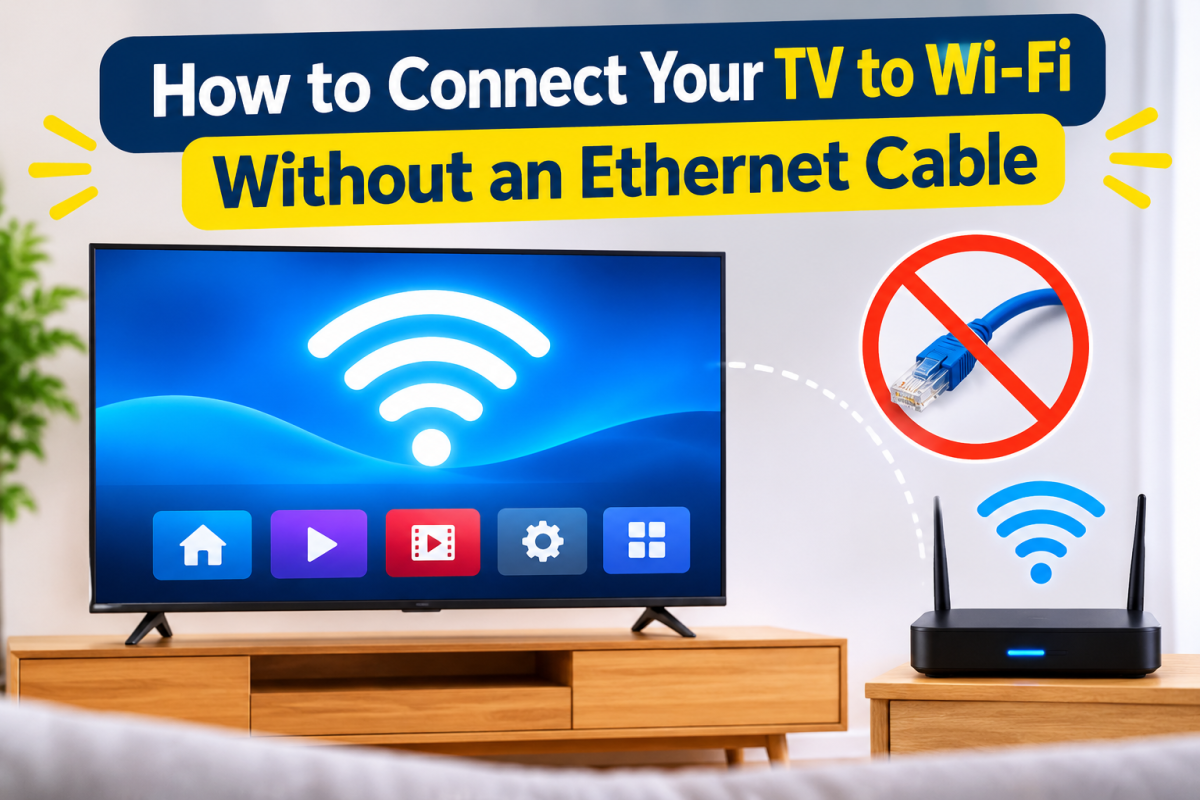
- Place your router in an open area rather than inside a cupboard.
- Keep the router away from large metal objects and other sources of interference.
- Check whether your TV works better on the available 2.4 GHz or 5 GHz network.
- Restart your router if the connection becomes unstable.
- Check whether other devices are using a large amount of internet bandwidth.
- Consider a suitable mesh Wi-Fi system if parts of your home have poor coverage.
The right solution depends on the size of your property, router location and internet service.
If the connection keeps dropping, WiFi Repair Congupna may help identify whether the problem is related to the router, signal coverage or network configuration.
Smart TV Installation and Home Wi-Fi Help in Congupna
A working Smart TV needs more than a power connection. It also needs a suitable internet connection, correctly configured network settings and access to the streaming services you want to use.
Jason’s TV helps local households with Smart TV Installation Congupna, Smart TV Set Up Congupna and related home entertainment requirements. Assistance with Home WiFi Installation Congupna and Home WiFi Setup and Repair Congupna may also be useful when the television struggles to connect or maintain a stable wireless signal.
Whether you are setting up a new television or having trouble with an existing connection, it helps to identify the actual cause before buying extra equipment.
Need Help Connecting Your Smart TV?
If your television will not connect to Wi-Fi, keeps losing its internet connection or needs a new setup, Jason’s TV can discuss the problem and available services with you.
Based in Congupna, Jason’s TV services the Greater Shepparton region. Call 0403 688 666, visit the contact page or view the Jason’s TV Google Business Profile to get in touch.
For local television installation, home entertainment and connectivity assistance, contact Jason’s TV to discuss your requirements.
Frequently Asked Questions
Q1. Can I connect my Smart TV to Wi-Fi without an Ethernet cable?
A. Yes. Most modern Smart TVs have built-in Wi-Fi. Open the network settings, select your home wireless network and enter your password.
Q2. Why can’t my TV find my home Wi-Fi network?
A. Your TV may be too far from the router, the wireless network may be hidden, or the router may be using a frequency band the television does not support. Check your router and TV network settings.
Q3. Does a Smart TV need a fast internet connection?
A. It needs a stable internet connection suitable for the streaming quality you want. Higher-quality video, such as 4K streaming, generally requires more bandwidth than standard-definition viewing.
Q4. Why does my Smart TV keep disconnecting from Wi-Fi?
A. Possible causes include weak signal coverage, router problems, wireless interference, outdated TV software or incorrect network settings. Checking other devices can help identify whether the problem affects your whole network.
Q5. Can Jason’s TV help with Smart TV and Wi-Fi setup in Congupna?
A. Jason’s TV provides Smart TV installation and home Wi-Fi setup and repair services in Congupna and the surrounding Greater Shepparton region. Call 0403 688 666 to discuss your requirements.