
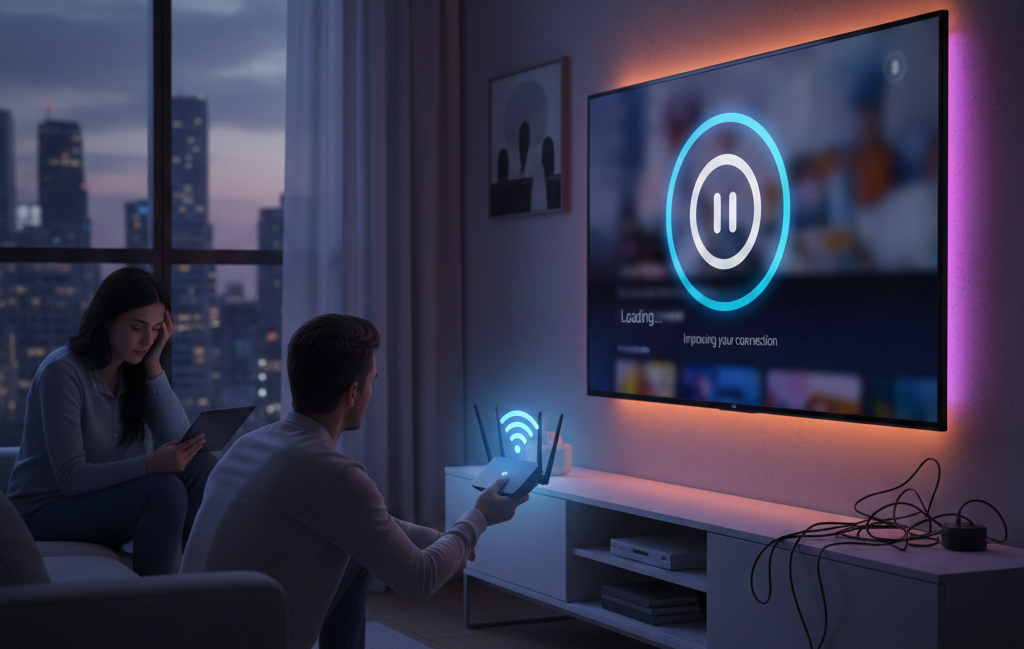
Trying to fix buffering when streaming Netflix or YouTube can be frustrating, especially when videos pause, load endlessly, or drop quality. Buffering usually happens due to slow internet speeds, network congestion, device limitations, or signal interference within the home. This guide explains why Netflix and YouTube buffering occur, how internet buffering solutions work, and what steps can help prevent video buffering. From router placement to device settings and connection checks, these practical tips help improve streaming speed and support smoother viewing without constant interruptions.
Why Buffering Happens During Streaming
Buffering occurs when video data cannot download fast enough to keep up with playback. Streaming platforms automatically adjust video quality, but when bandwidth drops too low, buffering becomes unavoidable.
Common causes include:
- Limited internet speed
- Too many connected devices
- Weak Wi-Fi signal
- Device performance limits
- Network congestion
Understanding these causes is the first step to fixing buffering when streaming.
Check Your Internet Speed First
Streaming services require consistent speeds. Standard-definition content uses less data, while HD and 4K streams require stronger connections.
Netflix recommends minimum internet speeds for stable playback, which vary by resolution.
If speeds fluctuate or drop below recommended levels, buffering will continue regardless of device quality.
Reduce Network Congestion at Home
Multiple devices using the internet at the same time can overload your connection. Smart TVs, phones, tablets, gaming consoles, and smart home devices all compete for bandwidth.
To reduce congestion:
- Pause downloads while streaming
- Disconnect unused devices
- Stream during off-peak hours
These steps often help stop video buffering without upgrading your internet plan.
Improve Wi-Fi Signal Strength
Weak Wi-Fi signals cause Netflix buffering issues and YouTube buffering problems even with fast internet plans. Distance from the router, walls, and interference all affect signal strength.
Placing routers centrally and away from obstructions improves coverage. Using wired Ethernet connections where possible provides the most stable results.
Government guidance explains how household layout and materials affect wireless performance.
Restart Modems, Routers, and Devices
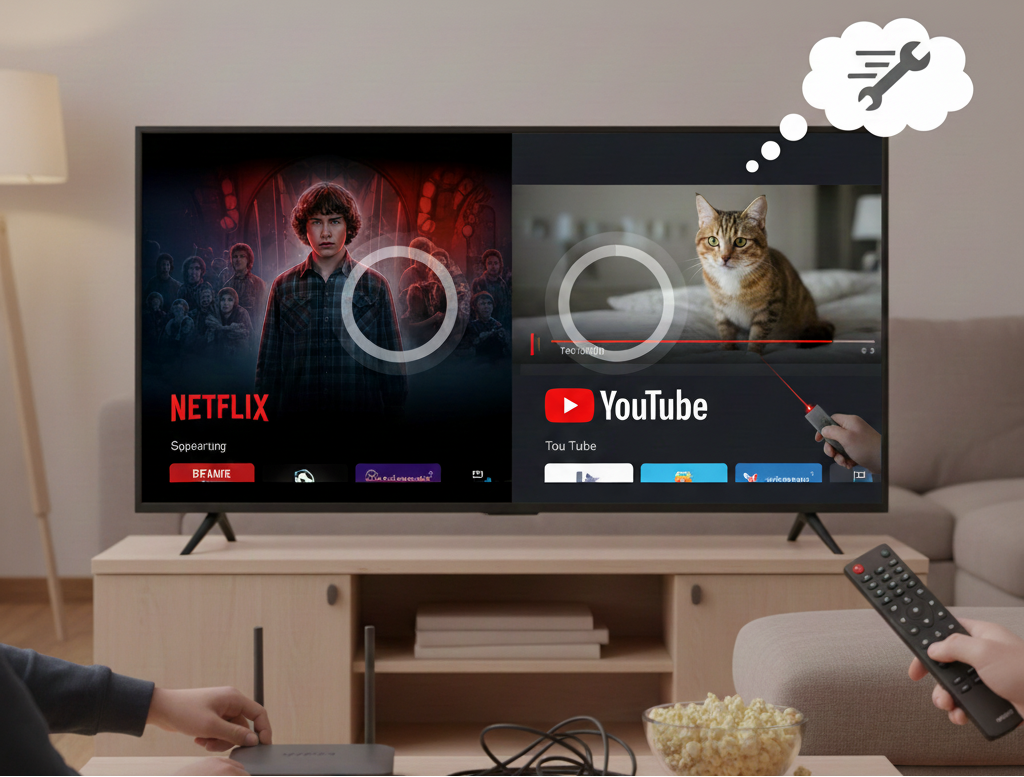
Temporary network issues can cause buffering even on strong connections. Restarting devices refreshes network paths and clears memory load.
A simple restart of:
- Modem
- Router
- Streaming device
often restores smooth playback and improves streaming speed.
Update Streaming Apps and Device Software
Outdated apps may struggle with newer streaming protocols. Keeping firmware and apps updated improves compatibility and performance.
Both Netflix and YouTube regularly release updates to improve streaming stability and fix playback issues.
Adjust Streaming Quality Settings
Lowering the resolution can significantly reduce buffering. While HD and 4K look better, stable playback at lower resolution often provides a better viewing experience.
Manual quality selection is useful when internet buffering is constrained by infrastructure.
Use Wired Connections When Possible
Ethernet connections bypass Wi-Fi interference entirely. For smart TVs and streaming boxes near routers, wired connections provide consistent data flow and prevent buffering.
Australian government websites and related entities, such as the National Broadband Network, highlight wired connections as one of the most effective ways to reduce streaming interruptions.
Check Device Performance Limits
Older TVs, streaming sticks, and set-top boxes may struggle with modern apps. Limited memory or outdated processors can cause buffering even with a strong internet.
If buffering persists on one device but not others, hardware limitations may be the cause.
Consider External Factors Affecting Internet Stability
Weather conditions, network maintenance, or ISP congestion can temporarily affect streaming performance.
Public communications guidance explains that shared infrastructure may experience speed reductions during peak usage times.
When Buffering Is Not an Internet Issue
In some cases, buffering may be linked to signal or hardware issues rather than internet speed. Antenna issues, cabling faults, or TV setup problems can disrupt streaming services that rely on hybrid broadcast and internet delivery.
Home entertainment support services can help diagnose these problems.
Why a Stable Home Environment Matters
Household conditions such as electrical interference, moisture, or pest activity can indirectly affect cabling, routers, and wall outlets. Damaged wiring or equipment placement issues may disrupt streaming reliability.
Regular home inspections help identify environmental factors that impact electronics.
Final Thoughts
Learning how to fix buffering when streaming Netflix or YouTube improves viewing comfort and reduces frustration. Simple steps like managing devices, improving signal strength, and updating equipment can make a noticeable difference.
For households experiencing broader home maintenance issues that may affect electronics or wiring, Jason’s Pest Control provides inspection and treatment services to help protect the home environment from conditions that can indirectly affect equipment performance.
FAQs
1. Why does Netflix buffer even with fast internet?
Network congestion, Wi-Fi interference, or device limits can cause buffering despite high speeds.
2. How can I stop YouTube buffering?
Reduce video quality, restart devices, and limit background internet use.
3. Does Wi-Fi placement affect streaming?
Yes. Distance and obstructions reduce signal strength and increase buffering.
4. Are wired connections better for streaming?
Yes. Ethernet connections provide more stable data transfer than Wi-Fi.
5. When should I contact professional support?
If buffering continues after troubleshooting, device or setup issues may need inspection.