
Buying a new Smart TV is exciting, but getting everything working properly can take a little more than plugging it into the wall. You may need to connect it to WiFi, tune your channels, sign into your apps, adjust the picture and sound, and connect other equipment.
If you are looking for Smart TV installation in Congupna, understanding the basic setup process can help you avoid common problems and get more from your new television.
At Jason’s TV, we help local customers get their TVs connected, configured and ready to use. With more than 18 years of experience and a local team serving Greater Shepparton, we can also help when the setup becomes more complicated.
What Does Smart TV Setup In Congupna Involve?
A Smart TV does much more than display free-to-air channels. It can connect to the internet and provide access to streaming services and other features.
A proper setup may include:
- Connecting the TV to WiFi
- Setting the correct region and basic preferences
- Signing into the TV account
- Installing or checking streaming apps
- Tuning free-to-air channels
- Connecting external devices
- Adjusting picture and sound settings
- Checking that the remote works correctly
For Australian viewers, newer Smart TVs can also make free-to-air services easier to access. Australian TV prominence rules applying to eligible devices supplied from 10 January 2026 require certain free-to-air apps to be prominently available on the home screen.
Step 1: Choose the Right Place for Your TV
Before switching the TV on, decide where it will be used.
Think about:
- Your normal viewing position
- Available power points
- WiFi coverage
- The location of the antenna connection
- Glare from windows or lights
- Whether the TV will sit on furniture or be wall mounted
If you are planning wall mounting as part of the installation, it is worth deciding the position before connecting all your equipment.
Jason’s TV also provides TV Wall Mounting Congupna services for customers who want their television positioned and installed properly.
Step 2: Connect Your Smart TV to the Internet
A stable internet connection is an important part of Smart TV configuration.
Most Smart TVs can connect using WiFi. During setup, select your home network and enter your WiFi password.
If the TV is close enough to your router, a wired connection may also be suitable.
If the TV struggles to stay connected or streaming keeps buffering, the problem may not be the television itself. Weak WiFi coverage, router problems or network configuration can affect how the TV performs.
Jason’s TV also provides Home WiFi Setup and Repair Congupna services when your TV setup is affected by home WiFi problems.
Step 3: Complete the Basic TV Settings
Once the internet connection is working, the TV will usually guide you through several basic settings.
These can include:
- Language
- Location or region
- Time and date
- Account details
- Software updates
- Privacy settings
- Automatic updates
Take a few minutes to read these options instead of quickly accepting everything. Some settings can affect notifications, updates and how your TV behaves.
Step 4: Sign In and Set Up Your Apps
The next part of Smart TV installation and setup in Congupna is getting your apps ready.
Depending on your TV, you may want to sign into services you already use for streaming or catch-up viewing.
Make sure you use your own account details and check that the correct apps are installed.
Australian adults continue to use online video services extensively, with ACMA reporting that 91% watched video content through an online service in a typical week during 2025.
This makes getting your Smart TV connected properly an important part of the overall setup.
Step 5: Tune Your Free-to-Air Channels
If you also watch regular television, connect the antenna cable before tuning the channels.
From the TV menu, look for options such as:
Settings → Channels → Auto Tune / Auto Scan
The exact menu will depend on the TV brand.
If some channels are missing, pixelating or showing no signal, the issue may be related to the antenna or signal rather than the Smart TV.
Jason’s TV can help with TV Antenna Repair Congupna, TV reception and antenna-related problems when tuning alone does not solve the issue.
Step 6: Connect Your Other Equipment
You may also want to connect equipment such as a soundbar, streaming device or other home entertainment equipment.
Check the available connections on the TV and follow the instructions supplied with each device.
This is where TV and Home Theatre Setup Congupna can be useful if several pieces of equipment need to work together.
The aim is to have the TV, sound and connected equipment working from the correct inputs without having to constantly change cables.
Step 7: Check the Picture, Sound and Remote
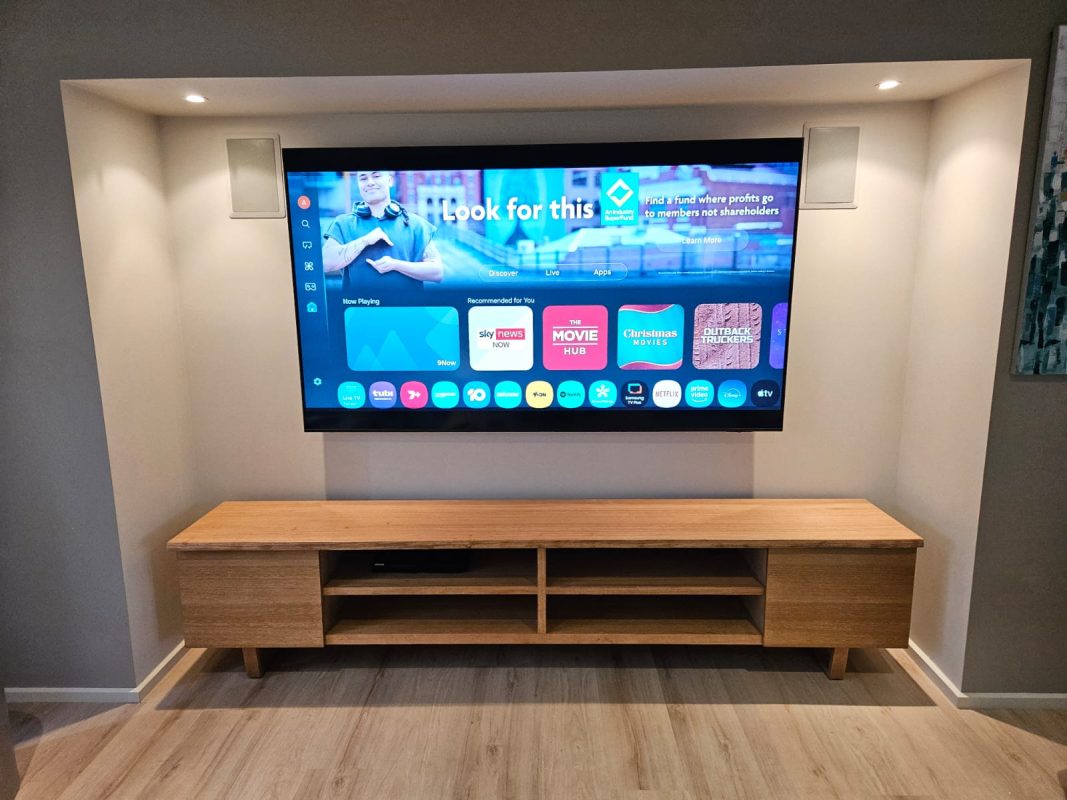
Once everything is connected, spend a few minutes testing the setup.
Check that:
- The picture looks comfortable in the room
- The sound is clear
- The remote responds correctly
- Apps open normally
- Free-to-air channels work
- WiFi remains connected
- Connected devices switch to the correct input
Good Smart TV configuration is not about changing every available setting. It is about making the television simple and comfortable to use.
When Professional Smart TV Installation Makes Sense
Many people can complete a basic setup themselves. However, professional help can be useful when the installation involves wall mounting, WiFi problems, antenna issues or several connected devices.
Jason’s TV provides Smart TV installation in Congupna and helps customers get their television working properly rather than leaving them to work through complicated menus on their own.
The team can also explain the basic functions so you know how to use your new setup after the installation is finished.
Need Help With Your Smart TV Setup?
If your new TV is still sitting in the box, the apps will not connect, or you simply want everything set up properly, Jason’s TV can help.
Jason’s TV is a local Congupna-area business with more than 18 years of experience in TV installation, mounting, antennas and related setup services.
For Smart TV setup in Congupna, call Jason’s TV on 0403 688 666 or contact the team to discuss what you need.
Q1. What does Smart TV installation in Congupna include?
A. It can include connecting WiFi, setting up apps, tuning channels, configuring the TV and checking connected equipment.
Q2. Can Jason’s TV connect my Smart TV to WiFi?
A. Yes. Jason’s TV can help with Smart TV setup and home WiFi connection.
Q3. Why is my Smart TV not finding all channels?
A. The issue may be with the antenna, signal or tuning rather than the Smart TV itself.
Q4. Can I get help setting up my Smart TV and home theatre?
A. Yes. TV and Home Theatre Setup Congupna can help when your TV and other entertainment equipment need to work together.