
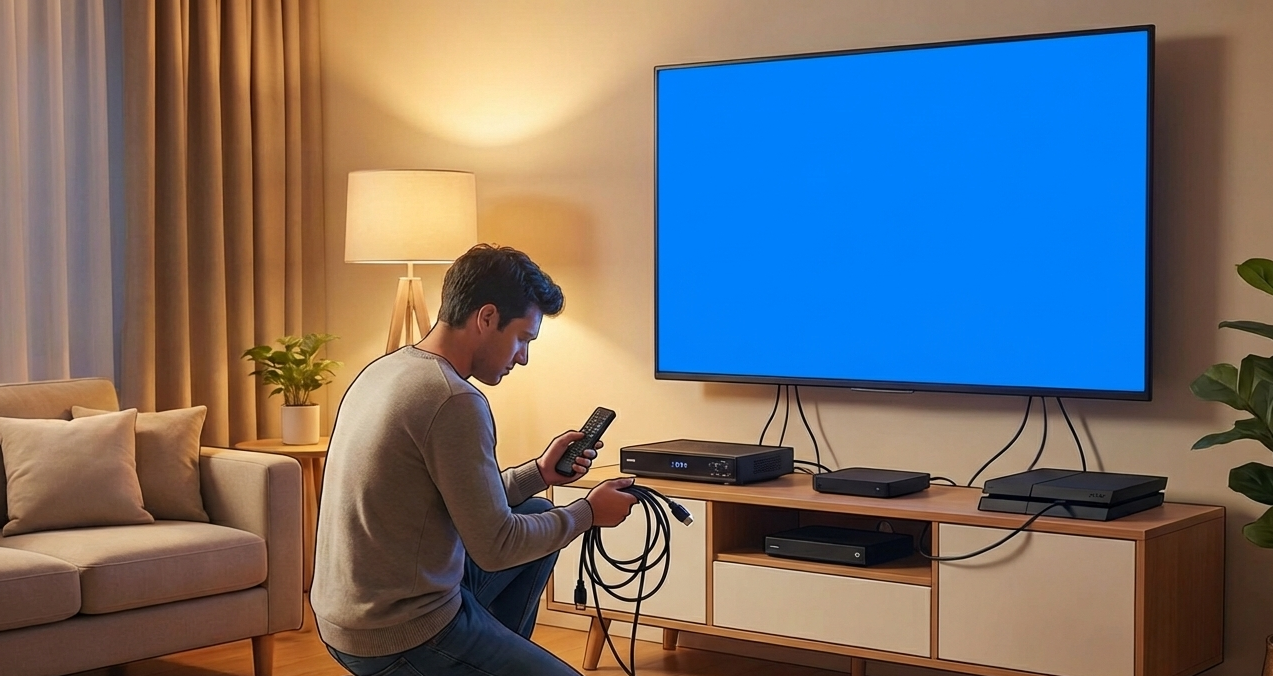
If your TV says “No Signal” after setup, the issue usually comes from incorrect inputs, loose antenna cables, wrong source selection, reception problems, or incomplete channel scanning. This guide explains the most common causes of signal failure and how to fix them at home. Whether you’re connecting a TV for the first time, moving to a new home, or adjusting your antenna, understanding these issues helps restore picture quality quickly. From cable checks to antenna alignment and reception troubleshooting, this article covers everything you need to know before calling for help.
Why the “No Signal” Message Appears
Seeing “No Signal” on a newly set-up TV can be frustrating. This message means the TV is not receiving any broadcast or device input. It does not necessarily indicate a fault with your television—it usually points to a connection or setup issue.
Several factors can trigger the message:
- Incorrect TV input settings
- Loose HDMI or antenna cables
- Damaged or low-quality antenna leads
- Poor signal reception
- Incorrect tuning or channel scanning
- Issues with external devices
Understanding the root cause makes troubleshooting much easier.
1. Incorrect TV Input or Source Selection
One of the most common causes of the “No Signal” message is selecting the wrong input.
Your TV may have inputs labelled:
- HDMI 1
- HDMI 2
- AV
- TV / Antenna
- Component
If you plugged your device or antenna into HDMI 1 but selected HDMI 2, the screen will show “No Signal.”
Fix:
- Use your remote’s Input or Source button
- Cycle through each input
- Stop when you see a picture or a connection prompt
To ensure proper installation, you can review service options such as TV Mounting in Shepparton.
2. Loose or Faulty Antenna Cable
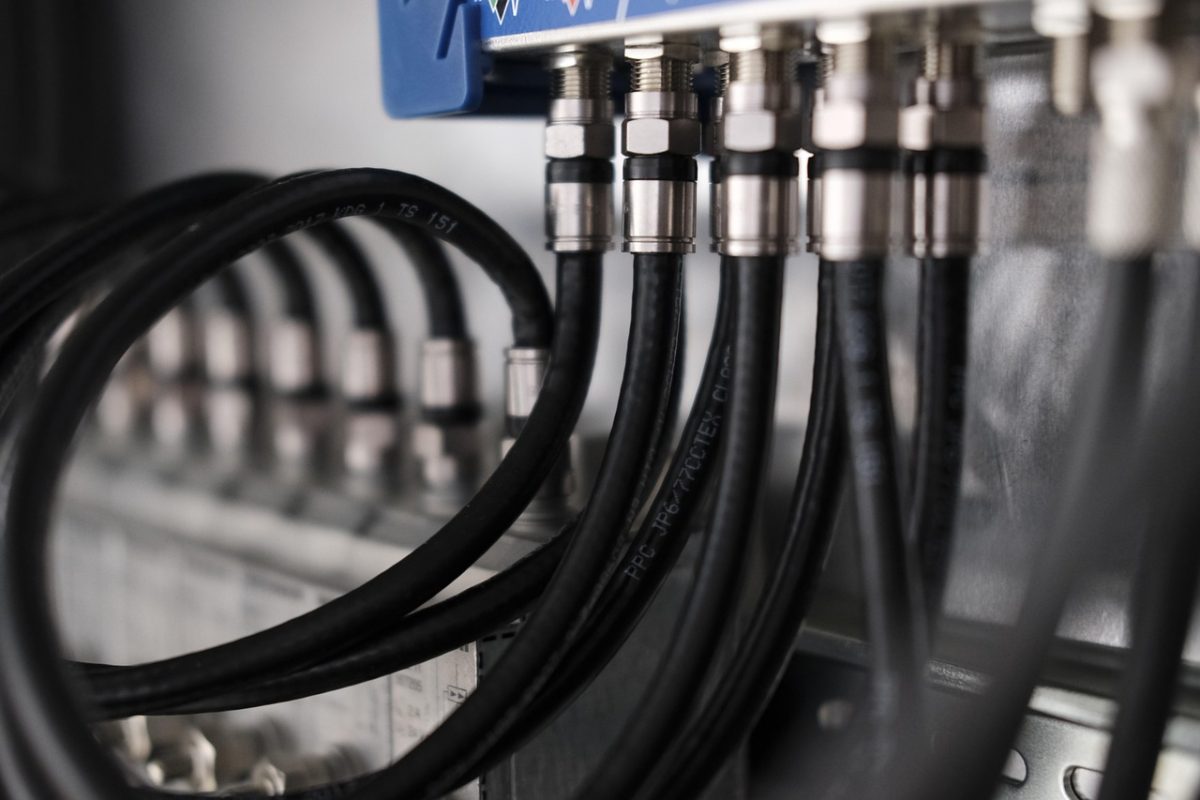
If you rely on free-to-air channels, the antenna cable connection is essential. A loose, damaged, or poorly positioned cable prevents the TV from receiving a signal.
Signs of antenna cable issues:
- Pixelation
- Fuzzy picture
- Channels disappearing
- Complete “No Signal” screen
Fix:
- Firmly reconnect the antenna cable
- Inspect for bends or crushed sections
- Ensure the cable connects directly to the wall port
- Use high-quality coaxial cables
If reception issues persist, proper setup guidance is available under Digital TV Antennas in Shepparton.
3. Antenna Misalignment After Moving Homes
When moving into a new house or repositioning your TV, the existing antenna may not align perfectly with local broadcast towers. Even a small angle change can cause signal failure.
Fix:
- Confirm that your area has strong broadcast coverage
- Check antenna direction or height
- Remove anything blocking the signal line (trees, structures)
External sources like the ACMA broadcasting coverage maps and Freeview Australia guide offer useful signal reference details.
4. No Channel Scan Performed
New TVs often require an initial channel scan to detect available free-to-air channels.
Fix:
- Open Menu → Channel Scan / Auto-Tune
- Select Antenna or Digital
- Start scanning
- Save the channels once completed
Skipping this step results in a blank channel list—and the dreaded “No Signal.”
5. Issues With Set-Top Boxes or Streaming Devices
If your TV uses a set-top box, soundbar passthrough, or streaming device, the problem may come from the external unit rather than the TV.
Fix:
- Ensure the device is powered on
- Replace or re-seat the HDMI cable
- Try a different HDMI port
- Check the device’s own signal status
If the connected device shows an error message, the TV won’t receive any signal.
6. Weather-Related Signal Interruptions
Rain, wind, and storms can temporarily disrupt digital TV signals—especially in regional areas. Signals often weaken during harsh weather.
Fix:
- Wait for the weather to stabilise
- Check antenna cables afterward
- Rescan channels if many disappear
Some homes require a stronger antenna system, depending on location.
7. Faulty TV Wall Ports or Damaged Sockets
If your home uses wall antenna ports, these may be:
- Loose
- Corroded
- Damaged internally
- Misaligned
Fix:
- Test a different wall port
- Inspect for wobbling or cracked connectors
- Try another cable to confirm the issue
A faulty port can block signal flow entirely..
8. HDMI Cable Issues
For HDMI-connected devices, a damaged cable or an incompatible version can cause “No Signal.”
Fix:
- Replace the HDMI cable
- Use certified high-speed cables
- Avoid excessively long cables
- Ensure connectors are secure
External guides like CNET HDMI troubleshooting tips help diagnose cable-specific problems
9. TV Settings Reset or Changed
Sometimes, a factory reset or settings change alters input configurations, removing channel lists or switching your TV back to default sources.
Fix:
- Re-run channel tuning
- Re-select the correct input
- Check antenna or HDMI configurations
Resetting again with proper steps may resolve the issue.
10. TV Hardware or Tuner Failure
If none of the above works, the TV tuner may be failing. Over time, internal components can degrade, resulting in:
- No channel detection
- Pixelation
- Random signal drops
- Full loss of signal
This requires professional inspection and repair.
Final Thoughts & Professional Help
A “No Signal” message after setup usually points to simple issues like incorrect inputs, loose cables, channel scan problems, or reception interference. By checking each factor carefully, most signal issues can be fixed at home. However, if cables are correct, channels are scanned, and all settings look right yet the issue continues, it may be time for expert assistance.
For antenna alignment, cable testing, and complete troubleshooting, contact Jason’s TV.
You can also explore all installation and support services on the homepage of Jason’s TV.
Frequently Asked Questions
1. Why does my TV say “No Signal” even though everything is connected?
You may be on the wrong input, or the antenna/HDMI cable is loose or faulty.
2. Do I need a new antenna if my TV can’t find channels?
Not always—try scanning again and checking cable connections first.
3. Can weather affect my TV signal?
Yes. Heavy rain and strong winds often weaken digital signals.
4. Why do some rooms get better TV reception?
Wall materials and distance from the antenna port can impact signal strength.
5. Should I call a technician if tuning doesn’t fix the issue?
Yes. Persistent signal loss may require professional testing or antenna adjustment.